
Adobe Photoshop is a graphic design tool professionals and amateurs use. However, its steep price tag and complex interface can be intimidating for beginners or those who need a larger budget for design software. Luckily, there are several free Photoshop alternatives available that offer similar features and capabilities. In today's blog post, we will know the best free Photoshop alternative and compare their features. Whether a professional or a beginner, these tools will make your design work easier and more accessible.
Free Photoshop Alternative:
When it comes to free Photoshop alternatives, there are a handful of great options. Each tool offers unique features and capabilities that cater to different types of users.
GIMP
GIMP, or GNU Image Manipulation Program, is a popular open-source image editing tool widely considered the most powerful free Photoshop alternative. It offers many features, including advanced colour correction, layer masks, and customizable brushes. GIMP also supports various file formats, making it an excellent web and print design choice. You can download the latest version of GIMP from their official site. They release new updates every 2 weeks. In my opinion, GIMP is the best free Photoshop alternative.
Krita
Krita is another open-source graphic design software geared towards digital painters and illustrators. It has a wide range of brushes, colour palettes, and effects perfect for creating stunning digital art. Krita offers advanced layer management, vector tools, and a user-friendly interface.
Canva
Canva is a free online design tool perfect for beginners and non-designers. It offers a wide range of pre-made templates, graphics, and design elements that can be easily customized using its drag-and-drop interface. Canva is particularly popular for social media graphics, presentations, and marketing materials. Most new designers use it.
Pixlr
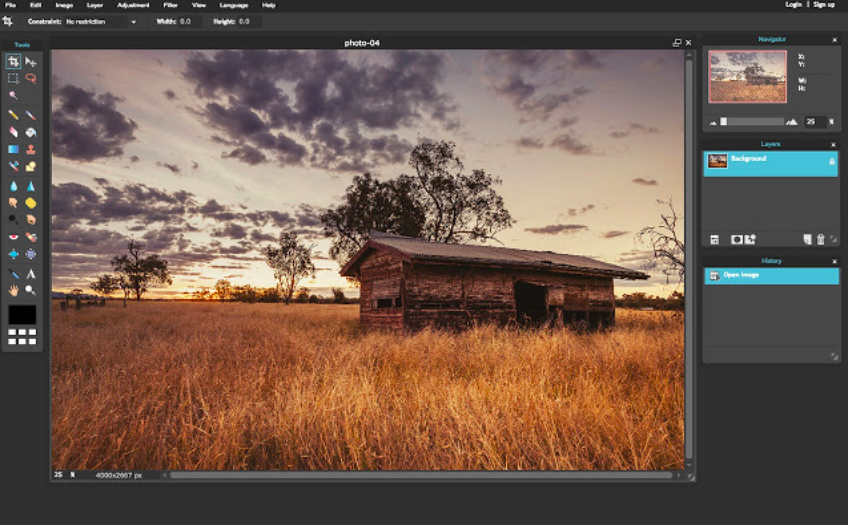
Pixlr is a free web-based image editor with a simple and intuitive interface. Its features include basic image editing tools, effects, and filters. They have many free templates which can work for any brand. Pixlr is particularly useful for quick photo edits and adjustments on the go. They are free, but they also have a premium plan.
Paint.NET
Paint.NET is a free Windows-based image editing software designed to be easy to use. It offers a range of basic editing tools, including selection tools, paintbrushes, and image filters. Paint.NET is a great choice for users new to graphic designers who want to learn the basics.
Each free Photoshop alternative offers unique features and capabilities catering to many users. There's a tool out there that can meet your design needs. You can create stunning designs with these right free Photoshop alternatives.
Conclusion:
In conclusion, free Photoshop alternatives offer a great solution for those looking for powerful graphic design software without spending a fortune. Many free tools cater to various design needs, from GIMP's advanced editing tools to Canva's easy-to-use templates. Users can choose the tool that best suits their preferences and requirements by comparing their features and capabilities. Overall, free Photoshop alternatives have made the graphic design more accessible and affordable for everyone, regardless of their budget or experience level.